CONNECTION GUIDE
USB-MIDI or DIN MIDI: choosing the right breath-control path
Compare class-compliant USB-MIDI and hardware DIN MIDI connections for a reliable MRTAUDIO studio or stage setup.
MRTAUDIO ·
01 / USB-MIDI
Direct configuration and computer workflows
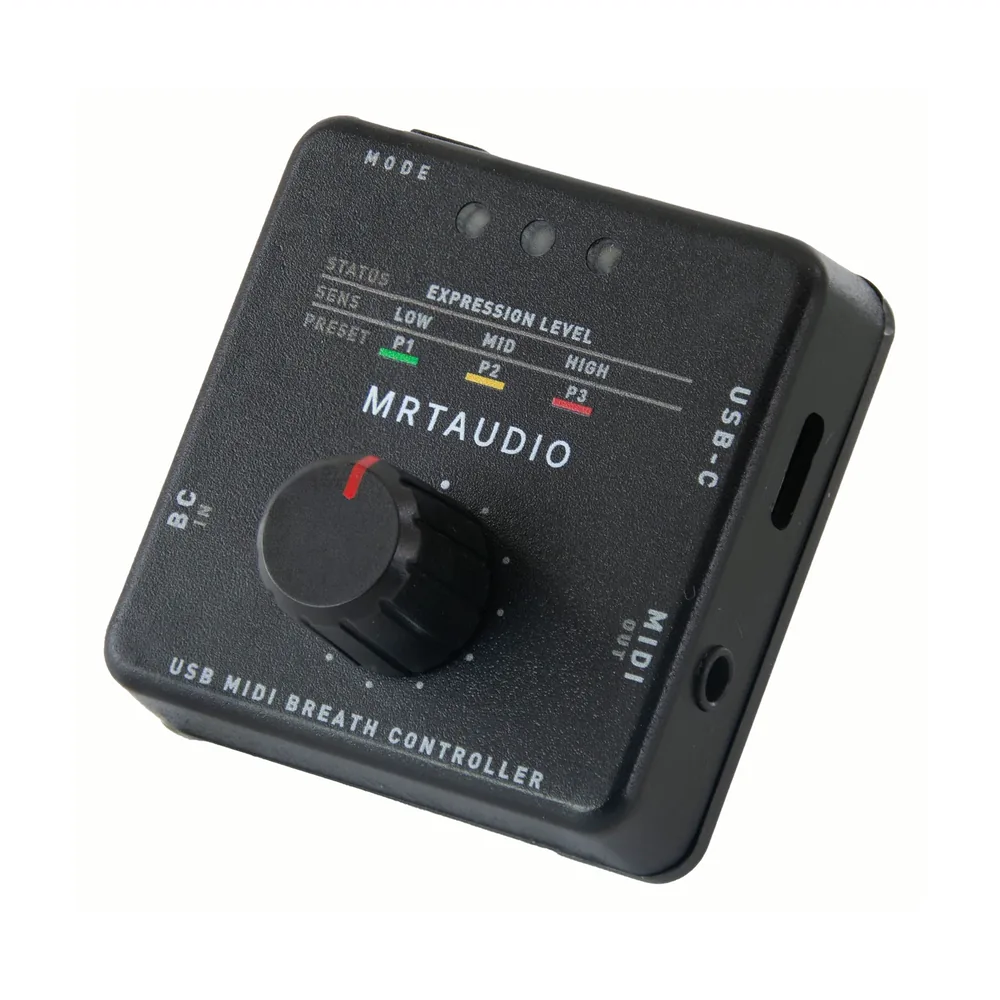
With USB data enabled and a data-capable cable, USB-C carries power, class-compliant USB-MIDI and Web Configurator communication. The host must supply adequate power and support the MIDI device; two ordinary USB device ports cannot communicate simply because a cable fits. If a workstation lacks compatible USB MIDI host support, use MIDI OUT to MIDI IN and a separate 5 V USB power supply. MRTAUDIO USB data can remain enabled with that separate supply.
USB is required for browser configuration and firmware updates. After settings are pushed to the controller, the Web Configurator does not need to remain open for normal playing.
02 / HARDWARE MIDI
A direct MIDI connection to stage instruments
The 3.5 mm MIDI OUT follows the TRS Type-A wiring standard and can feed a conventional 5-pin MIDI IN through the supplied cable. This path is useful when a keyboard or sound module has MIDI IN but does not host class-compliant USB devices.
USB may still supply power while DIN carries performance data. When both USB-MIDI and DIN MIDI reach the same destination, check the routing carefully to prevent duplicate Control Change messages.
03 / DECISION RULE
Choose the simplest complete signal path
Use USB-MIDI for a DAW or virtual instrument. Use hardware MIDI for a direct keyboard or sound-module connection when USB host support is absent or uncertain. In either case, verify the MIDI channel and destination CC before expanding to three layers.
- Computer or supported mobile host: USB-C.
- Keyboard with MIDI IN: TRS Type-A to 5-pin DIN.
- Web Configurator or firmware update: USB-C with a compatible Chromium browser.
REFERENCES
Manufacturer and MIDI references
Confirm the receiving instrument's current manual and MIDI implementation before committing a stage setup. Product updates and sound-library mappings can change the result of a CC message.