CALIBRATION GUIDE
How to calibrate a MIDI breath controller
Set a stable no-breath baseline, map a comfortable maximum breath to full MIDI range and use Gain and Breath Onset without sacrificing control.
MRTAUDIO ·
01 / REST
Measure the instrument before measuring the player
Fit the headset, leave the mouthpiece untouched and keep the tube free of pressure while the controller captures its resting baseline. Speaking into, touching or blowing through the mouthpiece during this phase shifts the reference and can cause early notes or an uneven response.
If the room temperature or air pressure changes substantially, allow the controller and headset to settle before recalibrating. Calibration should solve a real setup change, not become a repeated ritual before every phrase.
02 / RANGE
Use a comfortable strong breath, not an extreme one
During the maximum phase, play one controlled strong breath that you can reproduce musically. The measured peak is mapped near the top of the MIDI range. An unrealistically hard calibration breath makes normal playing feel weak; a very soft peak makes the response reach maximum too early.
After calibration, test long notes, short attacks and diminuendos. The goal is not merely to reach 127 but to preserve useful resolution across the part of the breath range you actually play.
- Keep the mouthpiece idle during baseline capture.
- Use a repeatable, comfortable maximum breath.
- Verify both soft attacks and full-range phrases after saving.
03 / STAGE ADJUSTMENT
Separate sensitivity, onset and output range
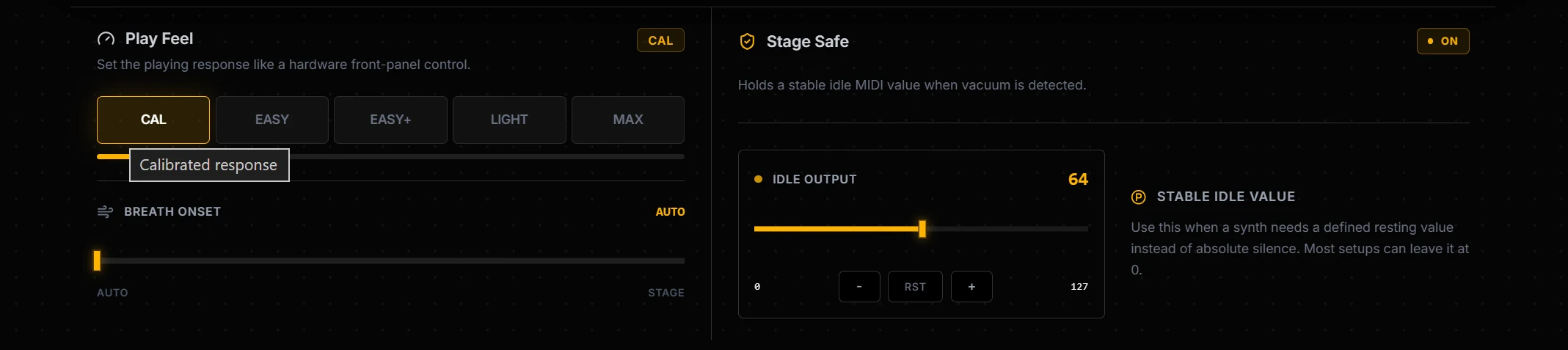
Gain changes how readily breath movement spans the calibrated range and is useful when fatigue changes during a performance. Breath Onset defines how much activity is required before the output becomes active; raise it if conversation or resting pressure creates unwanted data. Output Min changes the layer's configured floor and should not be used to hide an unstable baseline.
Make one change at a time and monitor both input percentage and post-filter MIDI output. Save the finished preset to the controller and export a JSON backup before experimenting with another setup.
REFERENCES
Manufacturer and MIDI references
Confirm the receiving instrument's current manual and MIDI implementation before committing a stage setup. Product updates and sound-library mappings can change the result of a CC message.