Breath Controller
The general MIDI control number designated for breath data. The result depends on the receiving instrument or patch.
MIDI ROUTING GUIDE
Compare MIDI Breath Controller CC2 and Expression CC11, then choose the right breath-control destination for your instrument or software.
SHORT ANSWER
CC2 and CC11 can carry the same 0-127 value range, but the receiving instrument maps them to different destinations. The right choice depends on the MIDI assignment of the sound or instrument you are using.
The general MIDI control number designated for breath data. The result depends on the receiving instrument or patch.
Often used to shape a channel's musical expression level. Exact behavior can vary by instrument.
Usually sets the channel's main level, so it should be considered differently from CC2 or CC11 in a performance mix.
PRACTICAL CHOICE
MRTAUDIO STANDARD
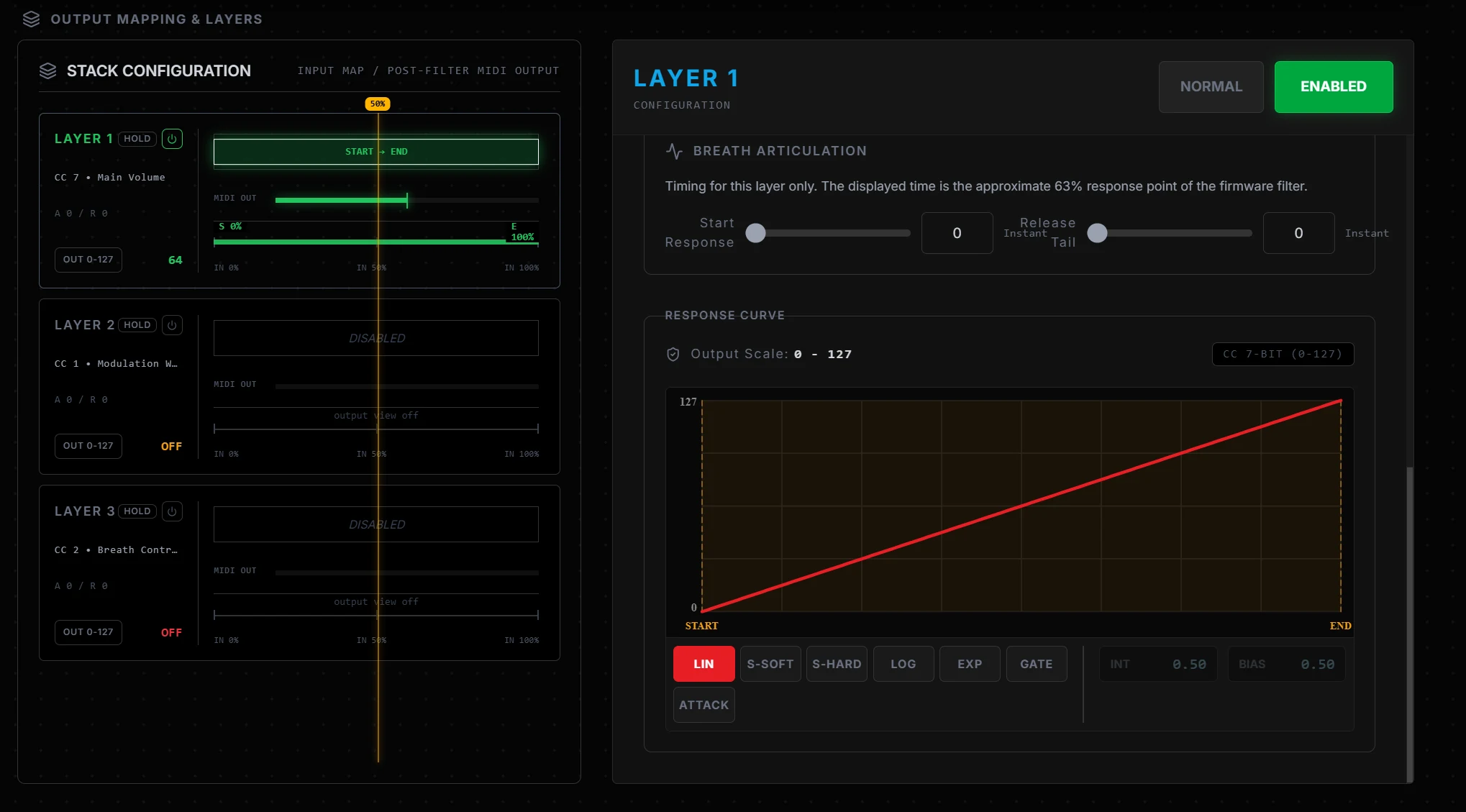
Set each layer's MIDI destination, channel, input and output range, response curve, Attack and Release response independently.